Sephiria Gamepad & Controller Guide
Play Sephiria on DualSense, DualShock, or Xbox-style pads — quick-cast magic, Hard Mode selectors, and 1.0.26 UI.
Why a dedicated gamepad page exists
Sephiria is readable on keyboard and mouse — WASD, LMB attack, RMB dodge/parry, Q/E grid preview — but Steam lists full controller support and DualSense support for a reason. After Patch 1.0.26 (2026-08-13), magic casting on a pad gained an on-screen skill UI, extra quick-cast bindings, and RT as default Quick Cast 1. Patch 1.0.28 then fixed Hard Mode difficulty not changing correctly on a gamepad.
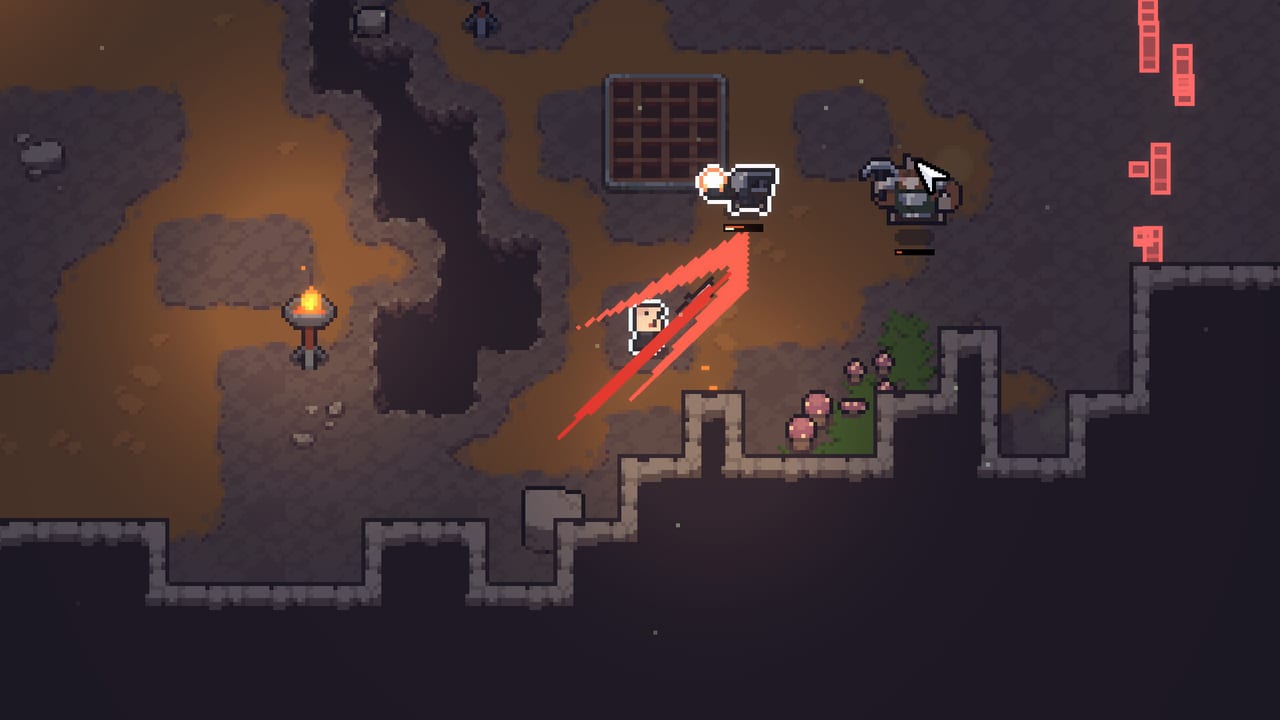
This page is the controller companion to Controls & Combat. Combat language is the same: red laser telegraphs, stamina, and branch identity from Weapon Types. Input is what changed.
Sephiria remains Steam Windows and macOS only — see Platforms. There is no Switch build and no redeem codes.
Recommended pad families
| Pad | Notes after 1.0.26 / 1.0.28 |
|---|---|
| DualSense | Trigger assignment no longer hides the button icon; prefer native Steam Input off if icons vanish |
| DualShock | Touchpad button images were added so prompts match the hardware |
| Xbox-style | Face-button attack + shoulder defense maps cleanly; RT is Quick Cast 1 by default |
| Generic DirectInput | Bind in Options → Gamepad; do not assign stick tilt as a key — 1.0.26 blocked that trap |
If Steam Overlay steals a trigger, disable the overlay during Hard Mode finales. 1.0.26 also stopped magic-cast mode from staying stuck when the overlay opened.
Default mental map
Exact glyphs depend on the pad, but roles stay stable:
- Left stick — move. Diagonals still matter for dodge angles.
- Face buttons — primary attack and interact (town NPCs, doors, pickups).
- Right shoulder / trigger — defensive tool that mirrors RMB dodge or parry.
- RT (default) — Quick Cast 1 after 1.0.26. Staff / Miracle players should treat this as their first Miracle slot from Miracles & Potions.
- D-pad or extra face binds — additional quick-cast slots added in Options → Gamepad.
- Touchpad (DualShock / DualSense) — confirm the new prompt art so you do not mash the wrong edge.
Open Options → Gamepad after every major patch. 1.0.24 remapped the Preset Settings key; 1.0.26 remapped magic quick-cast. A bind that felt safe in July can open Presets mid-Issen in August.
Magic casting on a pad
Staff and Miracle-heavy grids suffered most on controllers before 1.0.26: keyboard number keys do not exist, and radial menus ate dodge windows. The patch adds:
- An on-screen gamepad skill UI while casting.
- More quick-cast keys in Options → Gamepad.
- RT = Quick Cast 1 as the new default.
Practice in Training Grounds with Moro, not on Qliphoth. Assign Quick Cast 1 to your cleanse or burst Miracle and Quick Cast 2 to a Potion if you drink under pressure. Magic Grimoire loops become honest on a pad only after those binds exist.
Do not bind stick tilt. 1.0.26 fixed a bug that allowed tilt as a control key — that produced accidental casts while aiming.
Hard Mode on a controller
Two separate issues confused pad players in August:
- 1.0.26 made Tension apply in all boss fights and stopped Festival of Blood from triggering on already-dead targets.
- 1.0.28 made the Hard Mode difficulty selector actually change when you use a gamepad.
After updating, open Hard Mode, nudge difficulty one step, confirm the banner, then start a short Root’s Retreat or chapter-one modifier run. If the banner and the menu disagree, you are still on a pre-1.0.28 client.
Elemental modifiers still punish greedy dodges. Pad players should prefer dodge-default until they can parry without the stick drifting into a second telegraph. See Hard Mode for modifier families.
Combat habits that differ from mouse
Aim assist is not a substitute for telegraph reading. Red lasers still kill you if the stick holds a line. Micro-dodges on Dagger (now able to chain dash into Parry or Fury after 1.0.26) need a short stick flick, not a full roll.
Grid preview is still Q/E on keyboard. On a pad, find the inventory rotate bind before chapter four — dead cells from Inventory Grid end more runs than missed parries. Pause between rooms; do not rotate artifacts during an active beam.
Co-op adds visual noise. After you die, 1.0.26 spectate lets you watch teammates and keep calling lasers. Host migration is still absent — a pad battery death on the host ends the lobby. Use a wired pad or a charged DualSense for Mysterious Door sessions.
DualSense and DualShock gotchas
- Trigger adaptive resistance is not required. If a trigger bind “disappears,” 1.0.26 already fixed the missing icon when assigning a trigger while rebinding.
- Touchpad clicks now have official images on DualShock. Treat the touchpad as a menu or map bind, not a dodge.
- Steam Input templates can fight native prompts. If icons show Xbox glyphs on a DualSense, switch the template or disable Steam Input for Sephiria only.
- Photosensitivity warning on first launch was click-fixed in 1.0.23 — if a pad cannot click it, update past that build.
Practice checklist
- Bind Quick Cast 1 (RT) and one extra cast in Options → Gamepad.
- Complete one Moro drill without touching the keyboard.
- Change Hard Mode difficulty on the pad and confirm the in-run banner (1.0.28).
- Die in a four-player lobby and confirm spectate overlays (1.0.26).
- Open two weapon tooltips back-to-back after 1.0.28 so leftover keywords do not train the wrong special.
- Save the pad layout as a Preset note in your head — 15 slots and lock exist, but binds live in Options, not in the grid preset.
Related pages
- Controls & Combat — telegraph language and RMB roles.
- Patch 1.0.26 — skill UI, RT default, DualShock art.
- Patch 1.0.28 — Hard Mode difficulty on pad.
- Hard Mode — Tension and Festival of Blood.
- Co-op — spectate and host rules.
- Magic Grimoire — why quick-cast exists.
A gamepad is a valid Sephiria language after 1.0.26. Bind the casts, verify Hard Mode on 1.0.28, keep the host’s battery alive, and the red lasers stay readable without a mouse.
Frequently Asked Questions
Quick answers to the most common questions.
Does Sephiria support DualSense and DualShock?
Yes. Steam lists full controller and DualSense support. Patch 1.0.26 added DualShock touchpad images and fixed DualSense trigger-icon loss while rebinding.
What is Quick Cast 1 on a gamepad?
After 1.0.26, RT is the default Quick Cast 1 key. Open Options → Gamepad to add more quick-cast binds for Miracles and spells.
Why won't Hard Mode difficulty change on my controller?
That was a 1.0.28 hotfix. Update Steam, change the difficulty one step, and confirm the in-run modifier banner matches.
Can I play Sephiria co-op with a gamepad?
Yes. Up to four Steam players via the Mysterious Door. After death, 1.0.26 lets you spectate. There is still no host migration.
Should I bind stick tilt as a control?
No. 1.0.26 blocked stick tilt as a bind because it caused accidental inputs while aiming.